pirates, royals, elves
AI fantasy portraits of you, from one selfie.
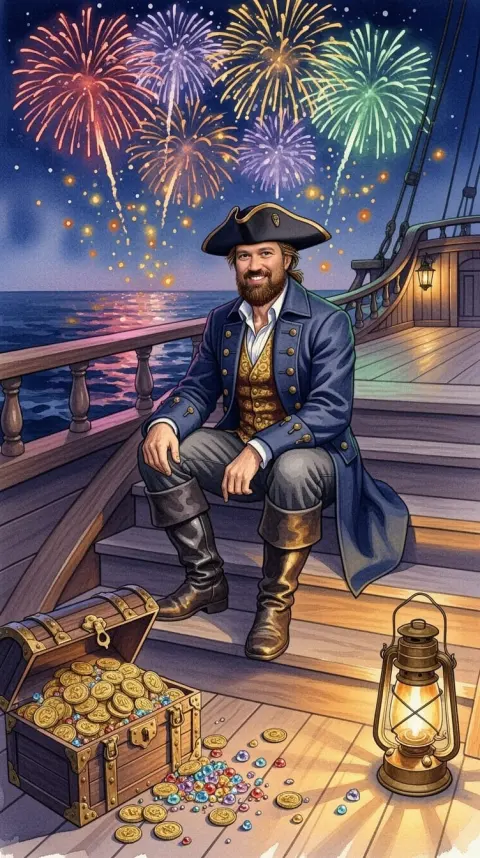
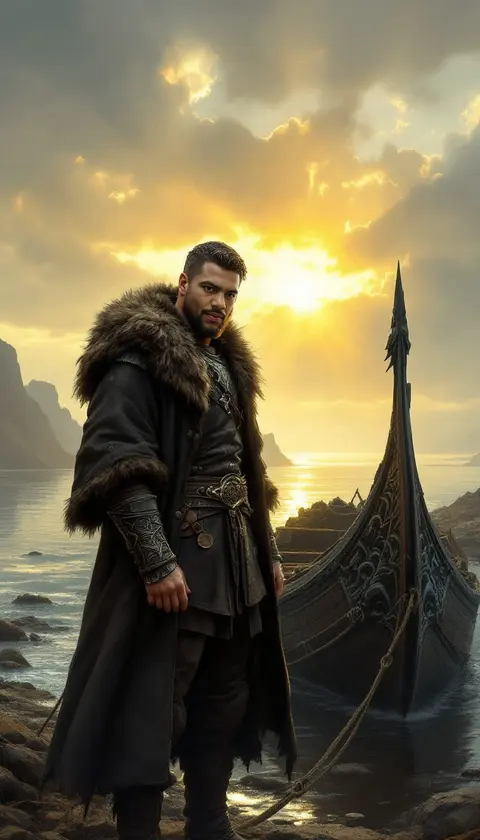
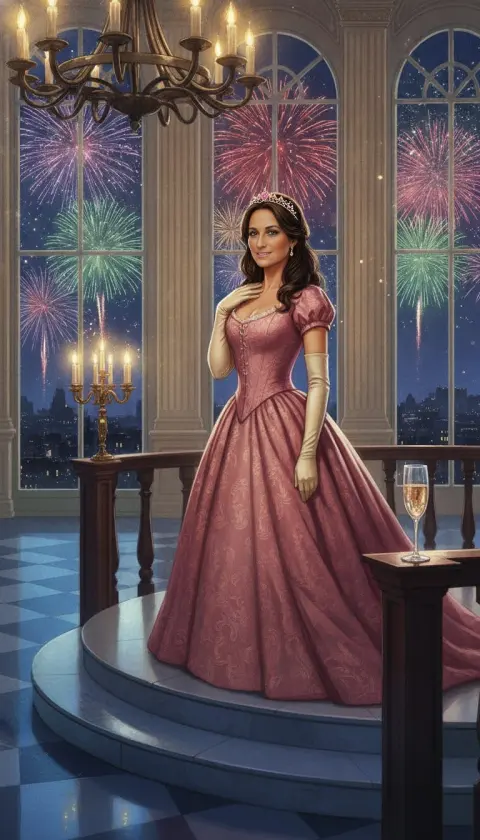
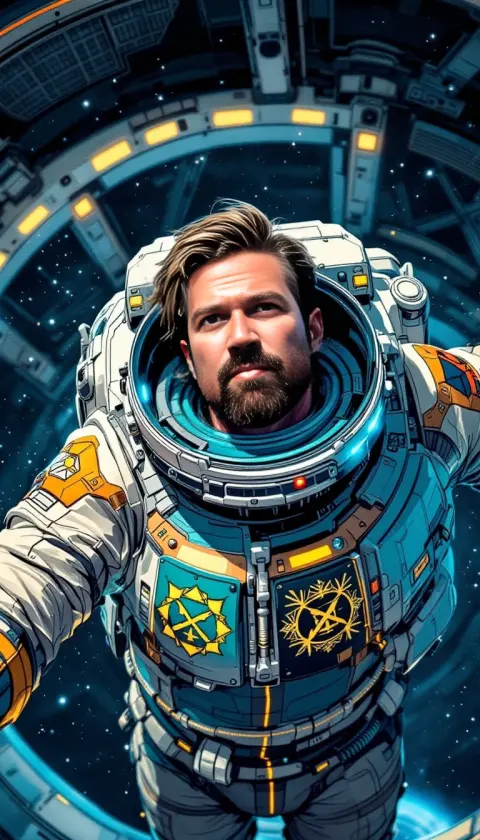
Add one selfie and DreamBot starts casting you. A pirate captain on deck under bursting fireworks. A Viking beside a dragon-prowed longship. A princess in a rose ball gown, a Regency lady in a formal garden, an astronaut floating past a space station, someone riding a polar bear under the northern lights for reasons nobody explains.
Each one is a brand-new painting, not your photo with a costume pasted on top: oil, watercolor, illustration, comic and more, with you in the starring role. A new one arrives every night, and the people you love can get cast right alongside you. The nightly dreams pick the part, which is half the fun. When you want a specific one, the studio takes requests.
How it works
Add a selfie
A clear, well-lit photo of your face, added once during a quick onboarding. Pick a few places you love and set the mood while you’re there.
Sleep on it
Every night DreamBot dreams up a new scene and casts you in it, in a different style each time. Royal, pirate, elf or a quiet morning by the sea: it’s a surprise.
Or ask for one
In the studio, cast yourself, describe the portrait (“me as a Viking chieftain on a longship in a storm”), pick a style and tap. Studio images use Sparkles.
One selfie, a lot of costumes
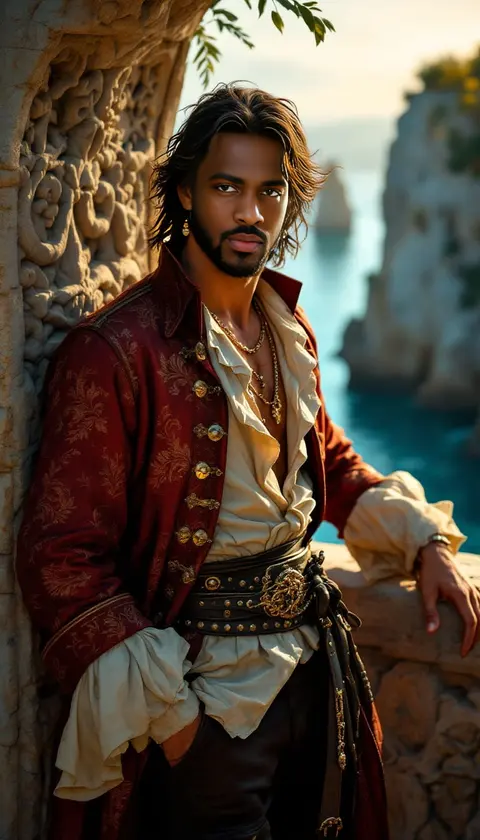
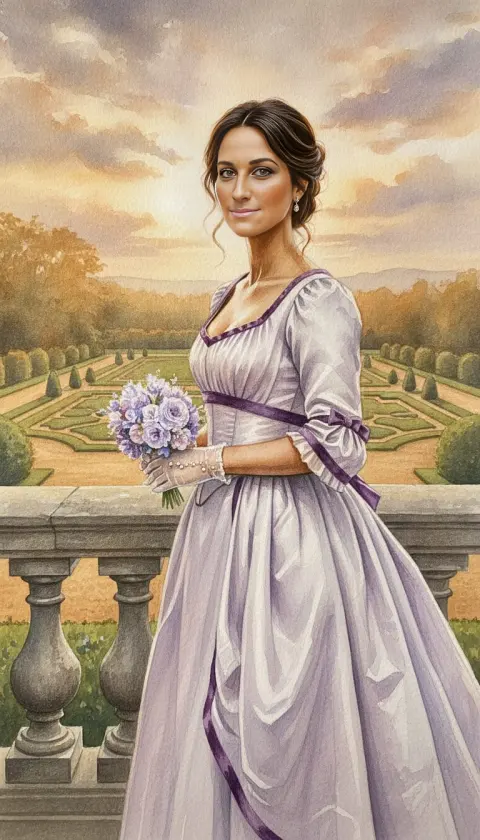
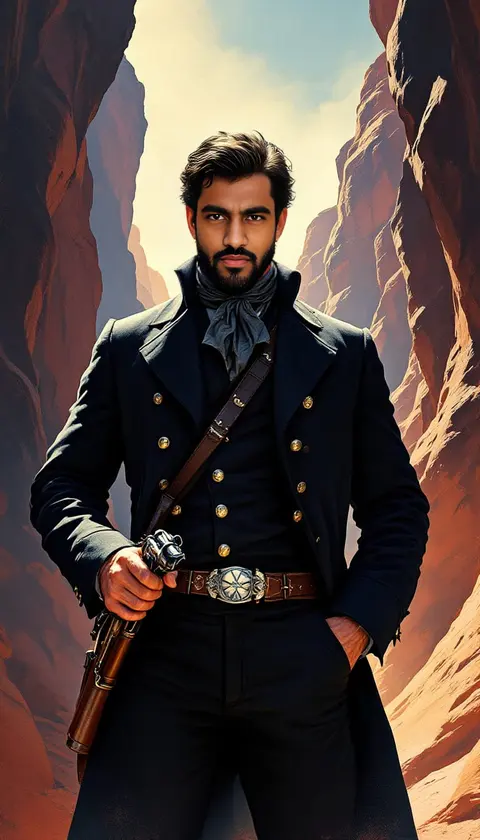
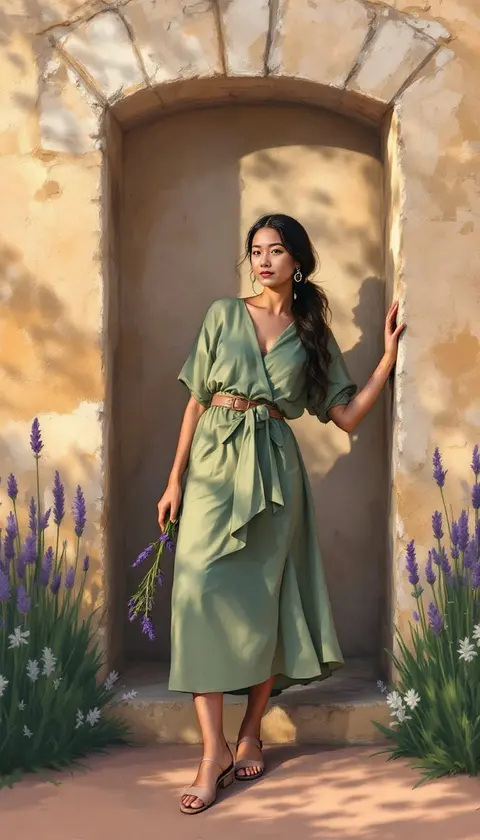
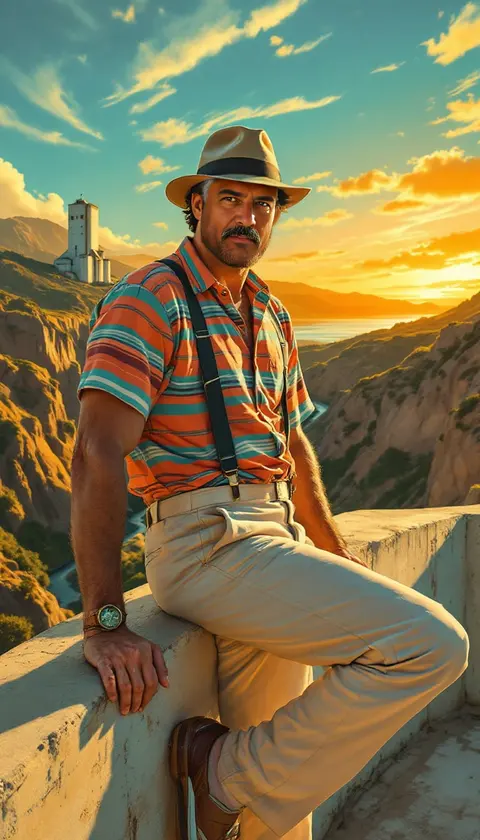
Example nightly dreams: every one started as one everyday selfie. DreamBot handled the wardrobe, the setting and the brushwork.



Portrait ideas worth stealing
Some of these turn up in the nightly dreams on their own. Any of them is one studio prompt away.
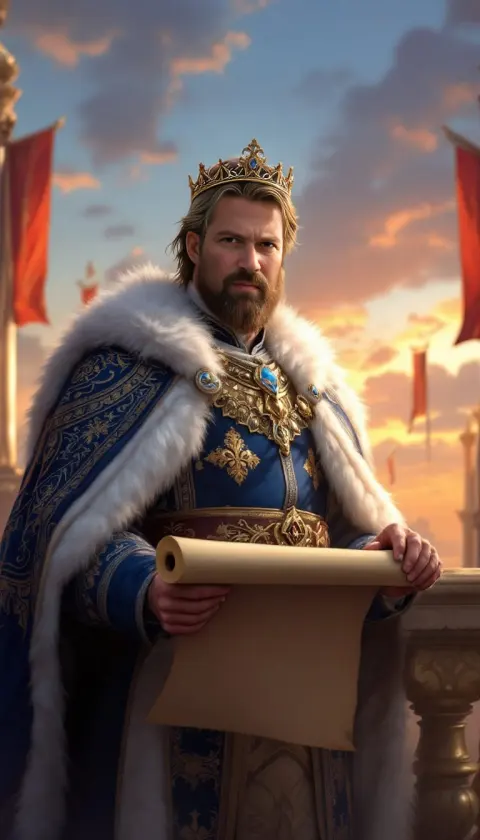
- Royal portrait: a queen or king on a throne by candlelight, crown and all.
- Renaissance or medieval portrait: an oil portrait in velvet and gold, or a knight in a torchlit castle hall.
- Pirate: a captain on a sea cliff, or a deckhand with a parrot and opinions.
- Viking: a chieftain at the prow of a longship, braids whipping in the storm.
- Princess: a ball gown, a palace staircase, rose petals everywhere.
- Elf or fae: an enchanted forest, pointed ears, a dragon somewhere in the trees.
- Sci-fi: a starship officer in front of a glowing porthole.
It actually looks like you
That’s the part we’re proudest of. DreamBot runs its own dream engine, built for one job: putting the real you into the picture. Not a lookalike, not a distant cousin. You, as the pirate captain, the queen, the astronaut. Most AI apps can’t pull that off.
Want your favorite person in the frame too? That’s AI couple photos. Want the photo you already have repainted, same pose? That’s photo to art.
Questions people ask
Can it make an AI royal or renaissance portrait of me?
Yes. Royals show up in the nightly dreams now and then on their own. For a specific look, like a renaissance oil portrait or a medieval knight, cast yourself in the studio and describe it.
Can I choose the theme for my nightly dreams?
No, and that’s the point: each night is a surprise. The studio is where you ask for a pirate, a viking or a princess by name.
Can my partner or friends be in them too?
Yes. Add up to five people you love in Settings → Dream Cast (onboarding starts with one), and they get to join you in the nightly dreams.
Is it free?
DreamBot is free to download. Nightly dreams are free during your trial, then continue with a Dreamer or Dreamer+ subscription, and studio images use Sparkles. The App Store listing has current prices.
Is my selfie safe?
It stays private to you and is used only to paint you into dreams. It’s never sold, the AI services that process it don’t train on it, and it’s kept until you remove it or delete your account. Details in the privacy policy.
Go to sleep as yourself.
Wake up a pirate. Or royalty. Or an elf with a dragon problem. DreamBot is free on iPhone and iPad.